
PC Trainer · 44 Options
Loftia
Screenshots
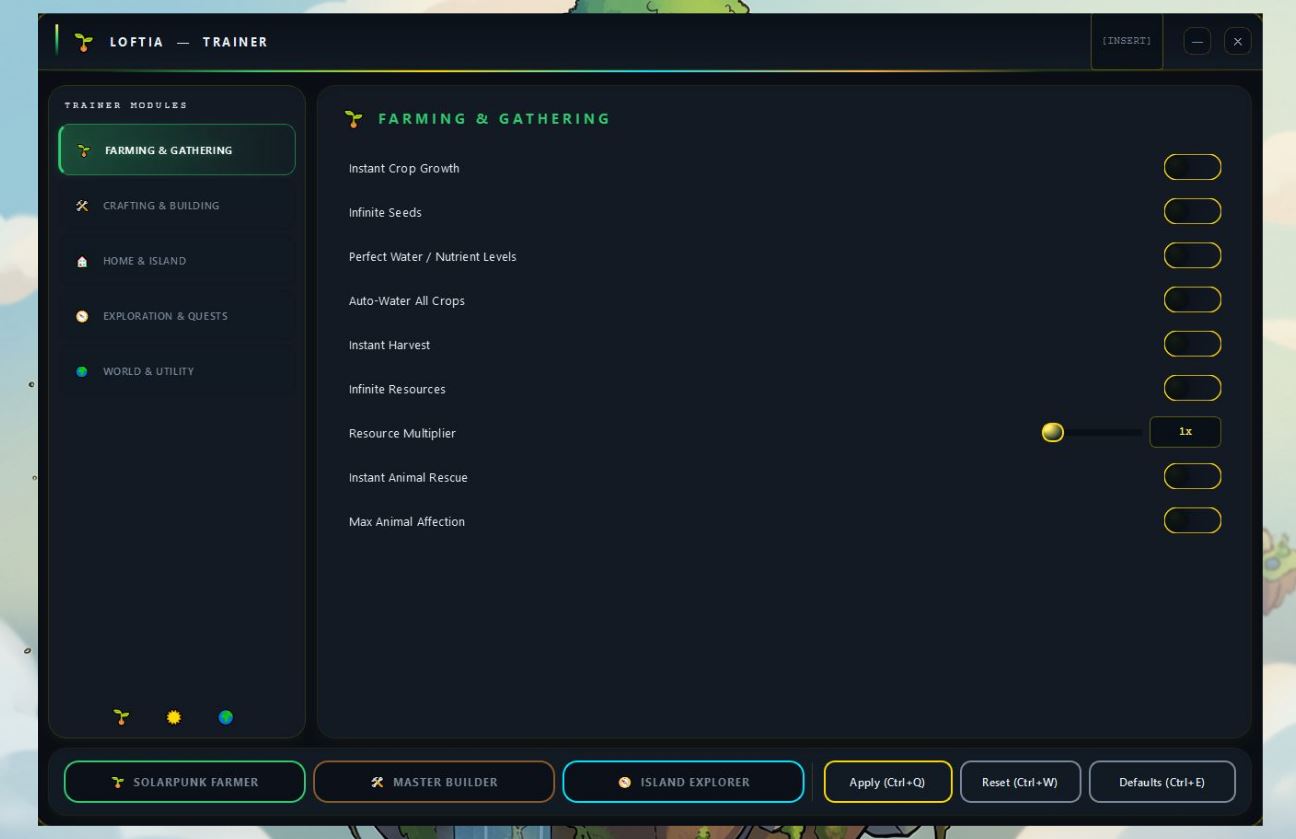
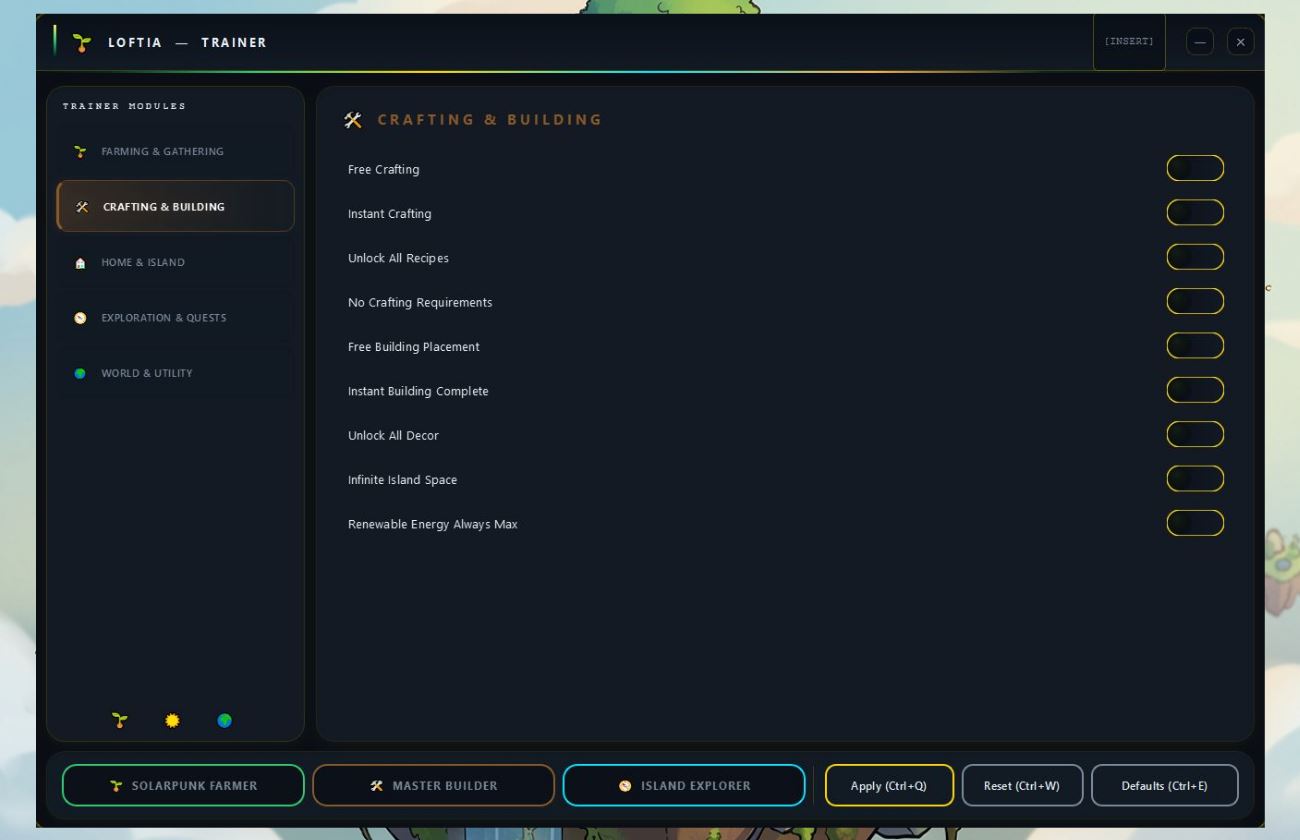
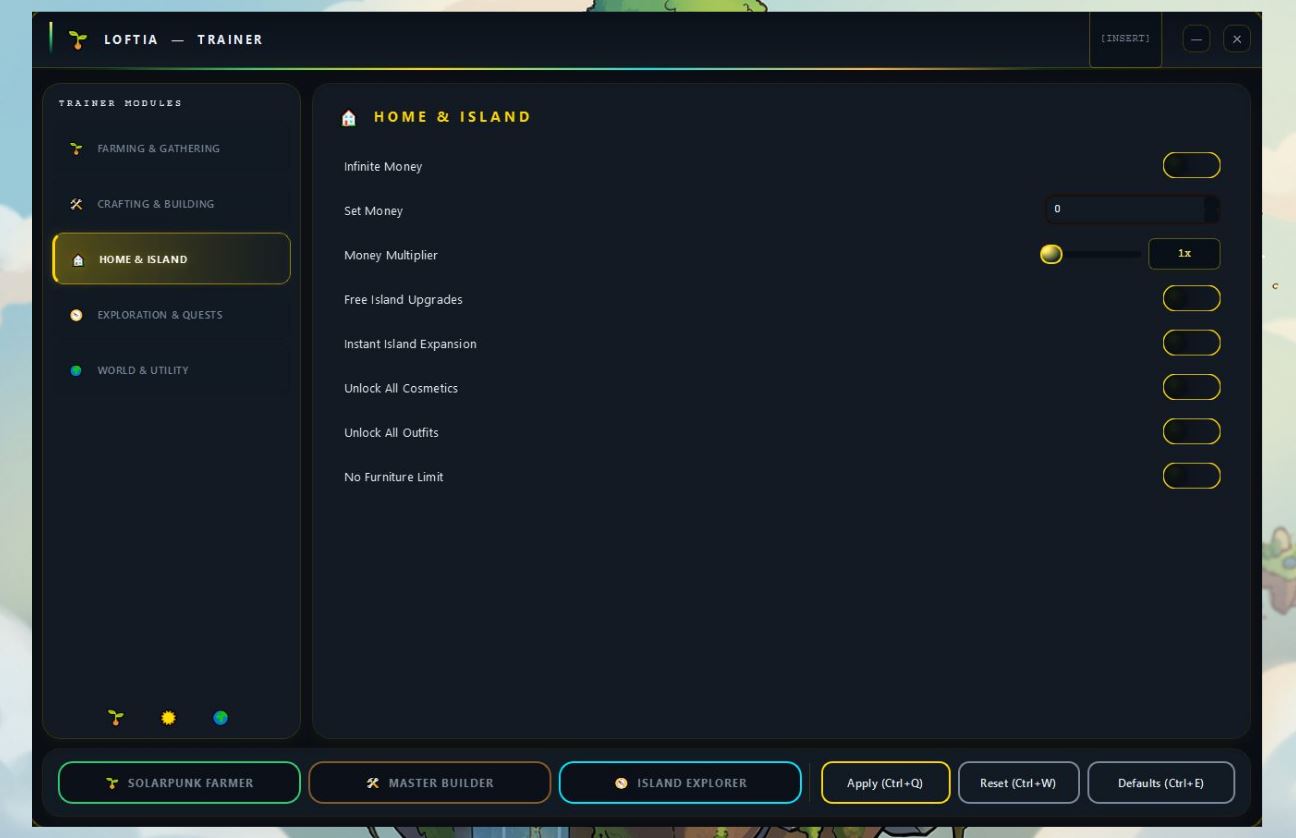
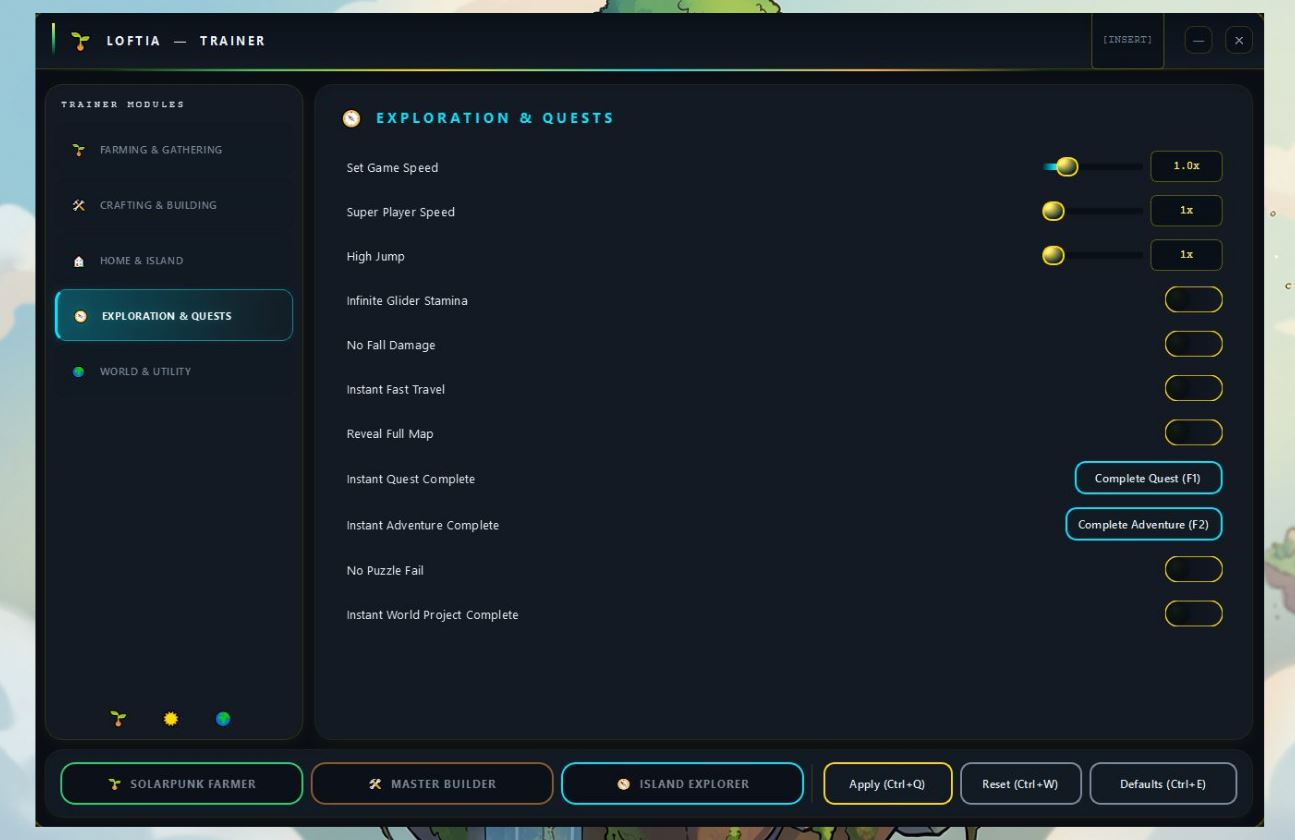
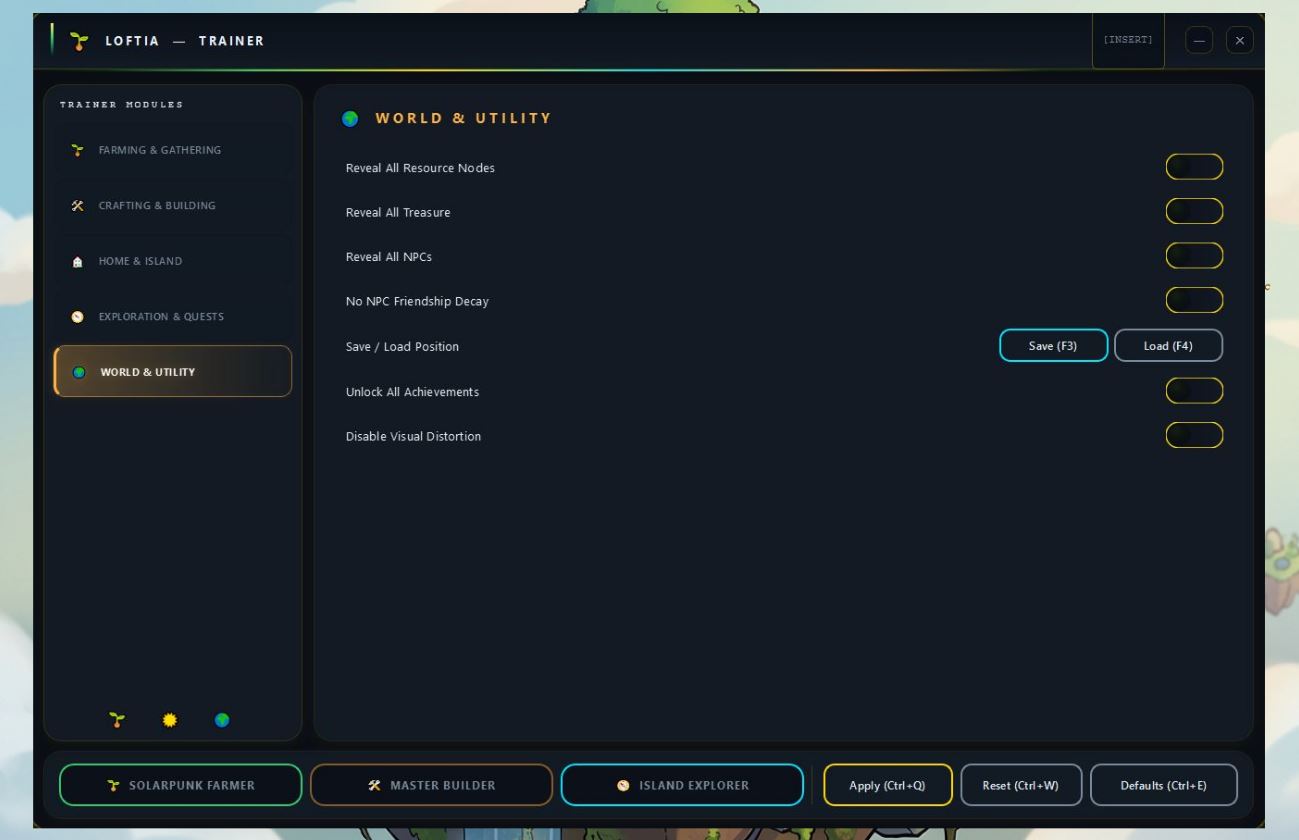
About the Game
Loftia is a cozy solarpunk open-world simulation where you build and manage your own floating island paradise. Farm, craft, and trade with other sky-island communities — cultivate rare crops, design your homestead, go on quests across the sky-sea, and forge friendships with a cast of vibrant characters.
About This Trainer
44 options for complete control over farming, crafting, your island home, quests, and world exploration. Toggle any cheat on or off in real-time without restarting the game.
44
Cheat Options
5
Categories
Free
No account needed
Win10+
Compatible OS
Real-time toggle
No registration
Always up-to-date
No ads
Hotkey support
Overlay UI
Requirements
OS
Windows 10 / 11 (64-bit)
Version
Always up-to-date
Runtime
.NET 4.8+ (pre-installed on Win 10/11)
Admin
Recommended
Price
Free — no account required
Antivirus false positives: some AV tools may flag trainer executables as suspicious due to memory injection techniques. This is a known issue with all game trainers. The trainer is clean — you can verify by scanning the ZIP on VirusTotal before running.
Trainer Options — 44 Total
Installation
1
Extract the archive
Download and extract the ZIP to any folder on your PC.
2
Run Loftia_TrainerSetup.exe
Launch the setup file, choose an install folder and click Install.
3
Run trainer as Administrator
Right-click Loftia_Trainer.exe → "Run as administrator". If AV blocks it, add the folder to exclusions first.
4
Launch Loftia
Start the game. Use windowed or borderless mode for best compatibility.
5
Press INSERT in-game
The trainer overlay opens. Toggle any of the 44 options on/off in real-time. Three presets available: Solarpunk Farmer, Master Builder, Island Explorer.
Community Comments 0
Leave a Comment